Build a SaaS Product Without Code: Data Model First
Orkosi Team · · 12 min read
"Without code" never meant "without decisions"
You can now build a SaaS product without code in an afternoon. Code has become cheap to produce and, more importantly, cheap to throw away: a login screen you hate can be rewritten in minutes and nobody mourns the old version. Your data is the exception. It accumulates history, it has customers attached to it, and it resists rewriting in a way that a React component never will.
So here is the claim: if you build a SaaS product without code, the data model is the one part you cannot delegate blindly. Not because agents design bad schemas, but because a schema encodes decisions about your business that only you can make, and those decisions get locked in the moment real customers start writing rows.

What a data model actually is, in founder language
A data model is the list of things your product stores, how those things connect, and the rules about what is allowed to be true. No SQL required to describe one.
It breaks into four parts:
- Entities: the things you store. Customer, invoice, lesson, message.
- Relationships: how they connect. An invoice belongs to one customer; a customer has many invoices.
- Identity: what makes a record unique. Two users cannot share an email; two invoices cannot share a number.
- Lifecycle: what happens when something changes or ends. Can a lesson be rescheduled? What survives when an account closes?
Entities, relationships and identity
Take a tutoring booking app. Founder A describes it as "tutors publish availability, students book slots." Founder B describes the same product as "schools buy a block of hours, then allocate them to students."
Those are different data models. Founder A gets tutors, availability_slots, bookings, students. Founder B needs organisations, hour_balances, allocations, and bookings that decrement a balance. Build A's model and then land a school as your first real customer, and you are not adding a feature, you are re-parenting half your tables.
The difference between a screen and a record
Non-technical founders tend to describe products as screens: "a dashboard showing this week's lessons." Screens are views over records, and the same screen can sit on top of very different models. A dashboard of this week's lessons works whether lessons belong to a tutor, to a student, or to a purchased block of hours.
That is why specifying screens is not specifying a data model. The screen looks identical in the demo and diverges violently in month four.
Why agents default to the obvious model, not yours
Ask an agent for "a booking app" and it will produce a reasonable schema, because the training data is full of reasonable booking schemas. Reasonable is not the same as right for your business. The agent will assume a user books for themselves, that prices live on the service, and that cancelling deletes the booking, because that is the modal case.
None of those assumptions are wrong in general. They may all be wrong for you, and the agent cannot know unless you say so. Your job in an agent-built workflow is not to write the schema; it is to supply the half-dozen facts the agent cannot infer.
The four decisions that are expensive to reverse
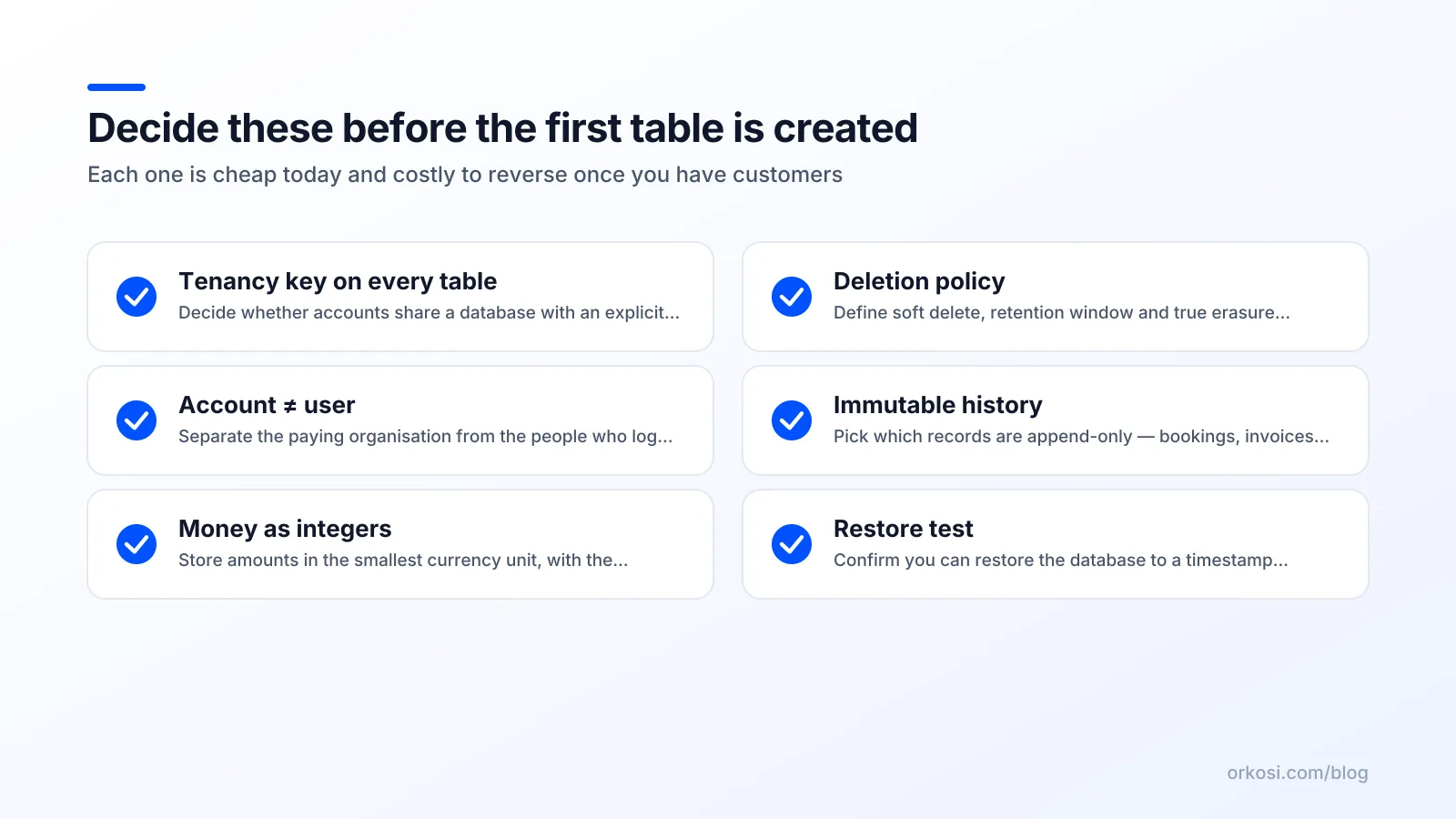
Tenancy: who is the account?
The choice: does a paying account map to one person, or to a company that contains people?
The cheap default: one user equals one account. Every record hangs off user_id. Fast, simple, and what most agents produce unless told otherwise.
The symptom at month four: a customer asks for a second seat. You have no concept of an organisation, so you either fake it with shared logins or bolt a team layer onto a schema that assumes individual ownership.
AWS describes three broad patterns in its SaaS storage strategies whitepaper: silo (a separate database per tenant), pool (shared tables with a tenant identifier on every row), and bridge (shared database, separate schemas). My position for a first SaaS: pool, with an explicit tenant_id or organisation_id column on every tenant-owned table from row one, even if every organisation currently has exactly one member. Silo isolation sounds safer and costs you a migration pipeline per customer plus a nightmare of cross-tenant reporting.
Cost of changing later: high. Re-keying rows from user ownership to organisation ownership touches every table, every query and every permission check. This is the most common expensive rewrite in early SaaS, and it is nearly free to avoid on day one.
Identity: users versus organisations versus invitees
The choice: is a "user" a login, a person, or a membership?
Conflate them and you get the classic bugs. Someone invited by email before they sign up has no account yet, so where does the invite live? Someone who belongs to two organisations needs one login and two memberships. Someone who changes email address should not become a new person.
The cheap default: one users table with email as the de facto primary identity and roles stored directly on the user.
The symptom: your first customer with a contractor working across two client accounts cannot log in to both without a second email address. Or you delete a user and silently orphan every record they created.
The sharp version: keep users (who can log in), organisations (who pays), and memberships (the join, carrying the role) as three separate things. Never use email as a primary key; store it as a unique, changeable attribute.
Money: amounts, currency and immutability
The choice: how amounts are stored, and whether a past charge can change.
Never store money as a floating-point number. Stripe's currency documentation is the canonical reference: amounts travel as integers in the smallest unit of the currency, so $10.00 is 1000, and zero-decimal currencies such as JPY mean ¥1000 is 1000, not 100000. If your schema stores price: 10.00 as a float, you will eventually ship a rounding error to a customer's invoice.
Second, store the currency alongside every amount. A bare amount column is a bug waiting for your first international customer.
Third, treat anything financial as immutable. An invoice line records what was charged at the time, not a live pointer to the current product price. If invoice_line.price is a foreign key to products.price, raising your prices silently rewrites history.
Cost of changing later: moderate on the storage format, severe on immutability, because fixing it means reconstructing what prices used to be from data you did not keep.
Deletion: soft delete, audit trail, erasure
The choice: what happens when a user clicks Delete.
GDPR Article 17 gives data subjects a right to erasure in defined circumstances, which means "we never delete anything" is not a legal position. But hard-deleting a row also destroys referential history: the invoice that referenced that customer, the audit log of who approved what, the analytics that explain last quarter.
The workable design separates three ideas:
| Concept | What it means | Where it lives |
|---|---|---|
| Soft delete | Record hidden from the product, still present | deleted_at timestamp on the table |
| Audit trail | Immutable log of what happened and who did it | Append-only events or audit_log table |
| Erasure | Personal data genuinely removed or anonymised | Deliberate process that nulls/redacts PII fields |
My rule: never hard-delete anything a customer or regulator may later ask about. Soft-delete by default, keep an append-only audit log, and build erasure as an explicit operation that redacts personal fields while preserving the financial and structural record.
The honest trade-off: every one of these decisions adds complexity to version one. A tenant_id on each table means more code in every query. Memberships mean an extra join. Soft delete means remembering WHERE deleted_at IS NULL. You are paying a day of extra build time now to avoid a multi-week rewrite later. Take the trade.
How to specify a data model without writing SQL
The one-page nouns-and-verbs brief
Fill this in before you prompt anything:
- Nouns: every thing my product stores. (Aim for 6 to 15. More than 20 and your v1 is too big.)
- Owner: for each noun, who owns it — a person, an organisation, or the platform.
- Unique: for each noun, what combination must never repeat.
- Immutable: which fields must never change once written.
- Survives deletion: what must still exist after the owner leaves, and why (legal, financial, analytical).
- Expected change: the one structural change I expect within six months.
A prompt template you can paste into an agent
I'm building [product, one sentence]. Before writing any code, propose a Postgres schema.
Constraints: accounts are organisations, not individuals; every tenant-owned table carries an explicit organisation_id; money is stored as integer minor units with a currency column; financial records are immutable; deletions are soft (deleted_at) with an append-only audit log.
My nouns and their owners: [paste brief].
Output three things: (1) a table list with columns and relationships in plain English, (2) every assumption you made that my brief did not specify, (3) which of your choices would be expensive to reverse once there are 10,000 rows and paying customers, and why.
Ask me up to five clarifying questions before you finalise anything.
Questions to make the agent ask you back
Good agents will ask. If yours does not, push it: Can one person belong to two accounts? Can a record be transferred between accounts? What happens to child records when a parent is deleted? Are prices per-customer or global? Do you need history of changes, or only current state?
Review the answer by reading the table names and relationships, not the code. If you can read "a booking belongs to one student, who belongs to one organisation" and nod, the model is right. In Orkosi this specification lives in the product description and in follow-up tasks, so the schema is reviewed before screens get built; the docs cover how tasks chain on top of an existing model.
Where no-code platforms decide the model for you
Traditional no-code tools ship an opinionated data layer. That is genuinely their best feature on day one: tables, relationships, permissions and a UI builder that already understand each other. You also inherit the vendor's decisions about tenancy, indexing, row limits and export fidelity.
These are the real no-code database limits. Not "you can't store data," but: the vendor's notion of a user is baked into permissions; performance ceilings arrive at a row count you did not choose; indexes may not be yours to add; and export gives you CSVs of tables, not a schema you can run elsewhere. When you outgrow the ceiling, migration is a rebuild, because there is no portable artefact to carry across.
AI-generated software hands you Postgres and a schema you can read, which is more freedom and more responsibility. Nobody stops you from modelling tenancy badly. Nobody stops you from fixing it, either.
| Platform-owned data layer | Generated schema you own | |
|---|---|---|
| Day-one speed | Very high | High |
| Tenancy model | Vendor's | Yours |
| Indexing and performance tuning | Limited | Full control |
| Exit path | Data export | Database plus schema |
| Who to blame | Vendor | You |
Platforms trade reversibility for speed; generated code trades a little speed for reversibility. The Orkosi templates page shows which product shapes are covered. Pick based on whether you expect this product to still exist in two years.
What changing the model actually looks like after launch
Additive changes are nearly free
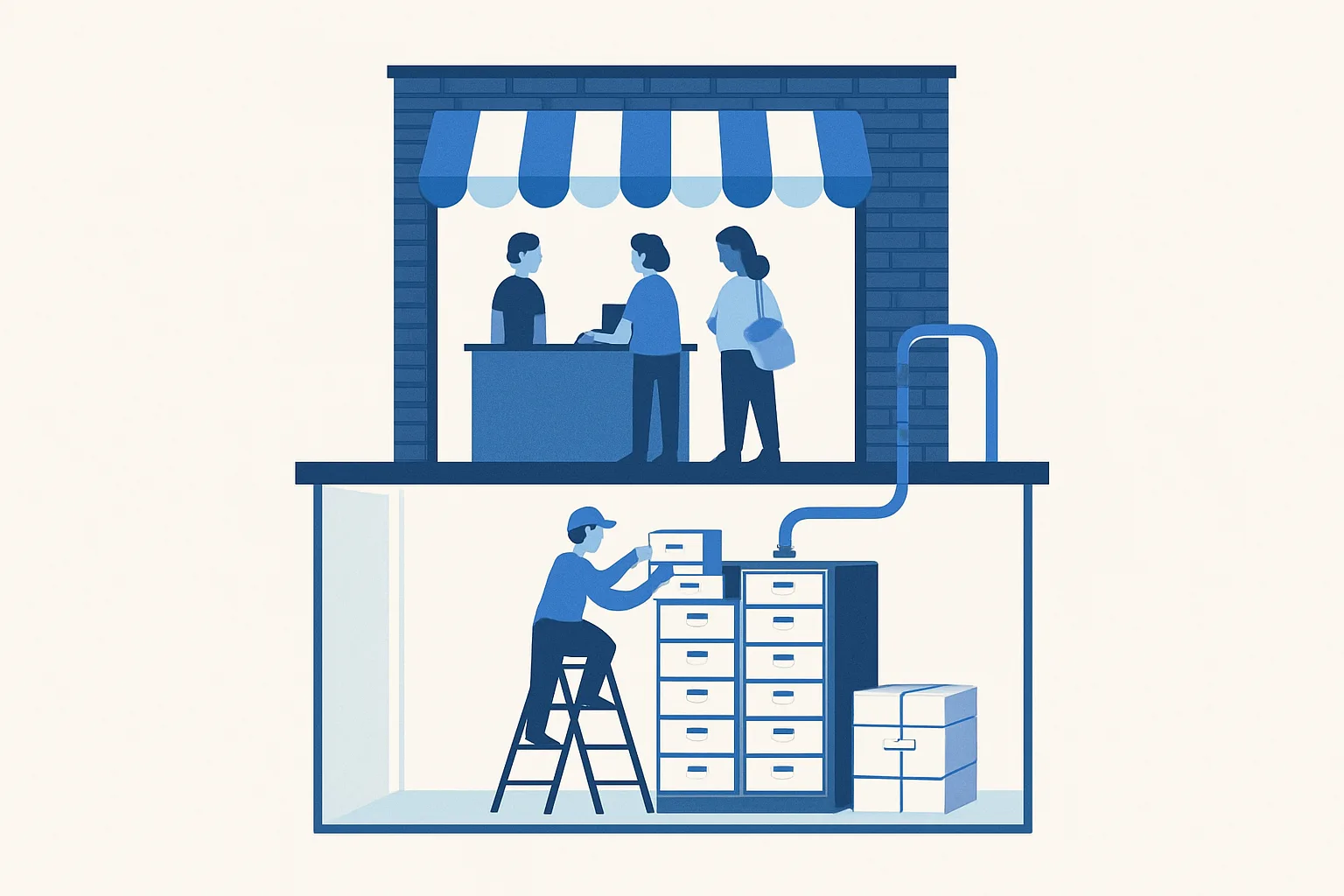
Adding a nullable column or a whole new table is routine. The PostgreSQL ALTER TABLE documentation explains why: adding a column with no default, or with a non-volatile default in modern versions, is a metadata-only operation that does not rewrite the table. Milliseconds, regardless of row count. So "we forgot a field" is not a crisis.
Destructive changes need a plan
Splitting one table into two, changing a primary key, re-keying tenants, or altering a column type in a way that forces a rewrite is a different category. Those require a backfill, often dual writes while code catches up, verification, then a cutover.
The cost scales with rows and customers, not with lines of code. A thousand rows and no paying users: an hour. Two million rows and fifty paying customers: a planned window, a rollback plan, and someone watching dashboards.
Backups are the real safety net
Before any destructive migration, confirm you can restore to a specific timestamp. On AWS, RDS automated backups and point-in-time recovery let you restore to any second within the retention window. That is the difference between a bad afternoon and a dead company.
The practical rule: no destructive migration runs until you have answered "what timestamp do we restore to, and have we tested the restore?" Agent-driven platforms including Orkosi can execute the migration for you; they cannot decide that you are willing to lose Tuesday.
A 90-minute exercise to do before you prompt anything
Block ninety minutes. No tooling required beyond a document.
- Minutes 0–20: list the nouns. Every thing your product stores, as singular words. Do not group or sort yet.
- Minutes 20–35: mark the owner. Next to each noun write person, organisation, or platform. If you cannot decide, that noun is a design question, not a data question. Flag it.
- Minutes 35–55: write three sentences your database must never allow to be false. For example: "A booking always belongs to exactly one organisation." "No two active members of an organisation share an email." "An invoice total never changes after it is issued." These become constraints.
- Minutes 55–75: decide the deletion policy. For each noun: hard delete, soft delete, or anonymise, with the reason. If the reason is legal, note which obligation.
- Minutes 75–90: write the one thing you expect to change in six months. Seats per account? Multi-currency? A second product line? Say it now so the schema leaves room.
Then hand it off. Paste the brief into your first product description, keep the document alongside the product, and re-read it before every task that touches the schema. On Orkosi this is part of the brief you write when you create the app; on other stacks it is the thing you hand your developer. Either way it stays a living document.
When to ignore all of this
Skip the ceremony entirely for a throwaway validation prototype, a single-tenant internal tool with five known users, a landing page with a waitlist, or anything you intend to delete in two weeks. Modelling tenancy for a product that will not exist in a fortnight is procrastination wearing a lab coat.
The test: will this database hold data you would be embarrassed to lose or legally obliged to produce? If no, ship it and learn. If yes, spend the ninety minutes.
The position stands: the data model is the cheapest thing to get right before launch and the most expensive thing to fix after.
FAQ
Can AI agents design a database schema for me?
Yes, and they are good at it. Agents reliably produce normalised, conventional schemas with sensible keys and indexes. What they cannot do is know that your customers are schools rather than individuals, or that your invoices must be immutable for tax reasons. Give the agent your constraints explicitly, ask it to list its assumptions, and review the table names and relationships rather than the SQL.
What's the most common data model mistake in a first SaaS?
Assuming one user equals one account. It is the default an agent will produce from a vague prompt, and it works perfectly until a customer asks for a second seat. Adding an organisation layer afterwards means re-keying every tenant-owned table and rewriting every permission check. Putting an explicit organisation_id on tenant-owned tables from the start costs almost nothing.
Do I need to understand SQL to build a SaaS product without code?
No. You need to understand nouns, ownership, uniqueness and deletion, all of which are expressible in English. If you can say "a booking belongs to one student, who belongs to one school, and cancelled bookings are kept for twelve months," you have specified more than most briefs contain. SQL literacy helps you review faster, but it is not the gate.
How do I change my data model after I already have paying customers?
Additive changes ship normally. Destructive ones follow a sequence: confirm a tested point-in-time restore, add the new structure alongside the old, dual-write, backfill existing rows, verify counts match, then cut over and remove the old shape. Scope the work by row count and customer count, not feature size. See /pricing for how agent task work is billed on Orkosi.
Write the ninety-minute brief first, then start a free trial and hand it to an agent as your opening product description. Check /pricing to see which plan fits the number of iterations you expect in month one.